Premium media player — TV · Desktop
Your media.Your devices.Your rules.
A premium technical media player for the content you legally own. Ships empty — no preinstalled media, no curated directories, no recommendations.
- 9-day free trial
- Zero telemetry
- End-to-end encrypted
- Native on every screen
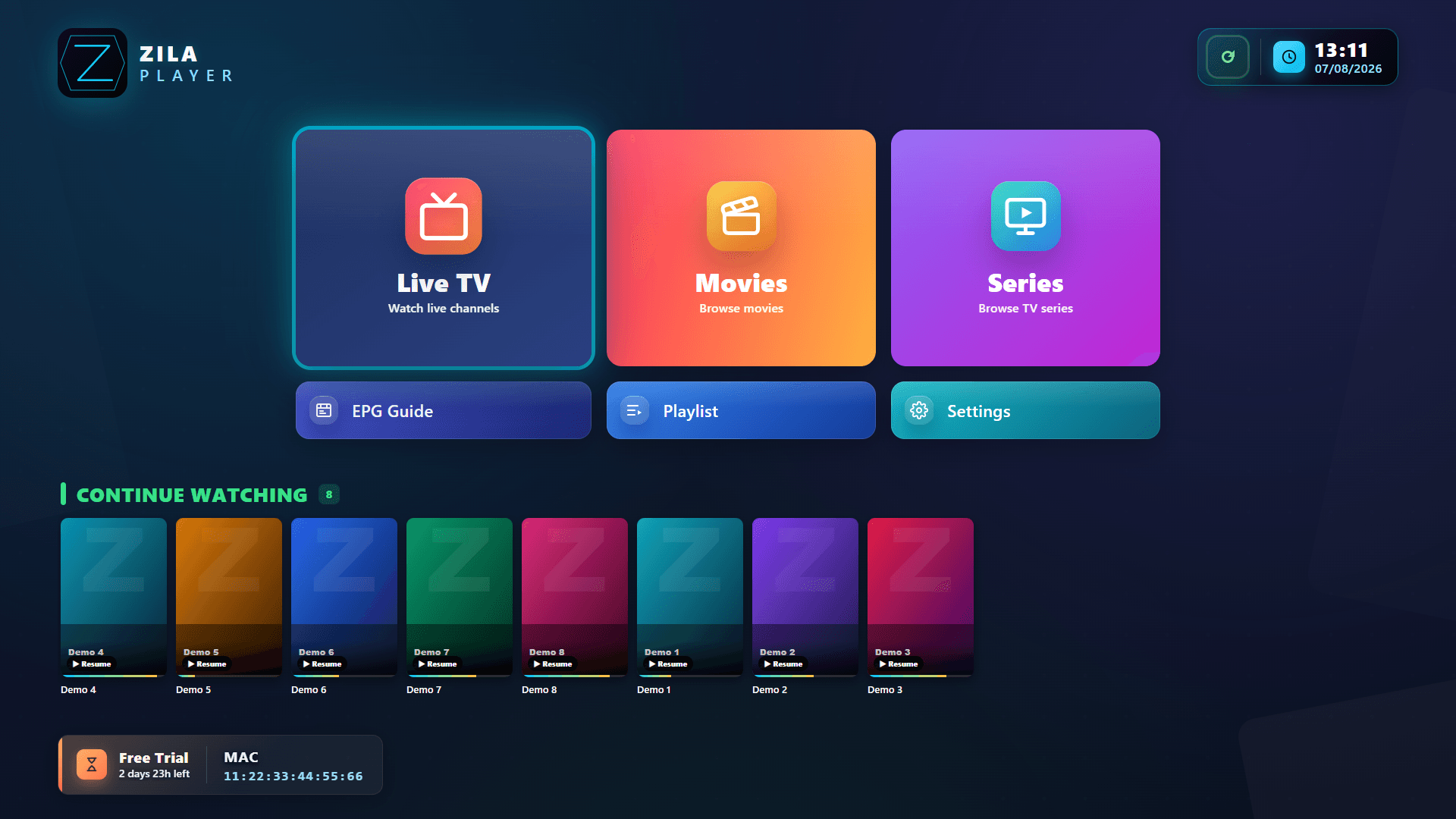
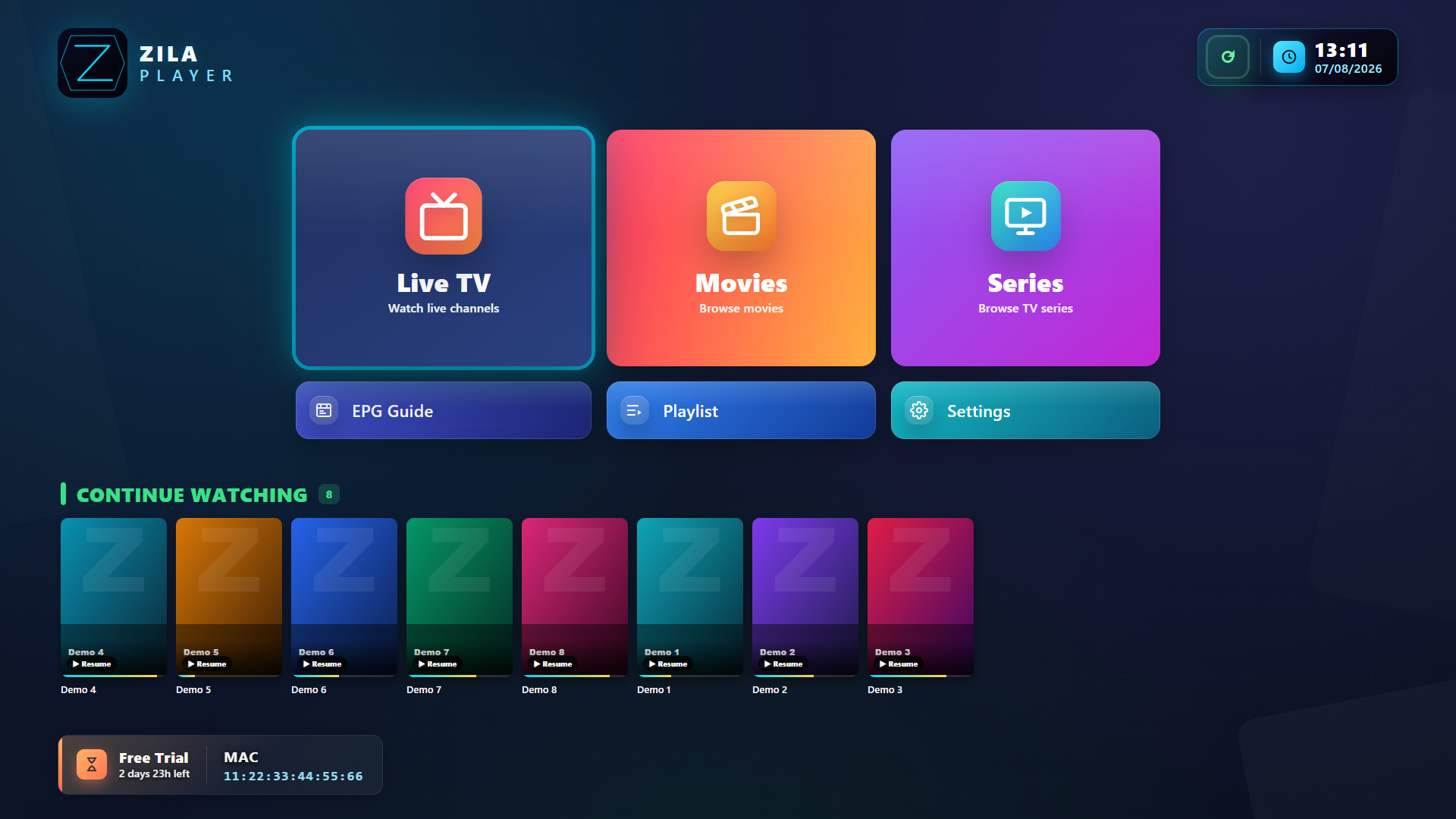
Zila does not provide any content. You bring your own playlist or library credentials. The license activates the player on one device — nothing about the sources you choose to add.
One app. Every screen.
Native builds for every screen.
Version 1.0.1 · SHA-256 published on every release.
Pay once. Use forever.
One-time purchase per plan. No subscription.
- 1 year of updates
- All player features
- Cloud playlist pairing
- Email support
- Lifetime updates
- All player features
- Cloud playlist pairing
- Email support
- 2 years of updates
- All player features
- Cloud playlist pairing
- Email support
A player. Nothing more.
Zila Media Player is a technical media player. It ships empty — no preinstalled content, no curated sources, no directories. Below is what the tool itself can do; the content you play is always your own.
Playback engine
A modern, standards-based decoder.
- Multi-track audioSwitch audio tracks on the fly during playback.
- Multi-track subtitlesPick any embedded subtitle track instantly.
- Sound modes on desktopMusic · Movie · Voice · Night · Bass — one tap in the player.
- Resilient by designRecovers from drops automatically.
- Continue watchingResume mid-playback across sessions.
Personal library
Your own content, organised for you.
- Search acrossOne field searches your entire library, not just the page on screen.
- Sort & filterBy name, number or favourites — plus categories everywhere.
- FavoritesPin what you watch most — kept per playlist.
- Rating chipsSurfaces ratings already in your metadata.
- Hidden categoriesShow only what you care about.
Built for any screen
One UI, every device you own.
- Remote-first navigationDesigned for the remote, polished for mouse and touch.
- UI scale modesNormal · Large · Extra Large for any panel.
- Multi-language UI8 languages: EN · RO · DE · IT · ES · PT · FR · TR.
- Native installersPer-platform builds, no web wrappers.
- Time format12-hour or 24-hour clock — your pick.
Privacy first
Local by default. Encrypted when not.
- Zero telemetryNo usage tracking. No analytics. Ever.
- No accounts requiredUse the player without signing up.
- End-to-end encryptedCloud sync uses AES-256, keys stay on device.
- Parental PINCategory management locked behind your PIN.
- Local-first storageAll settings + history live on the device.
Clear terms, clear responsibilities.
Your purchase covers the app only — not any media, channels, or subscriptions. Three simple lines that frame what we sell and what stays on your side.
We sell software, not streams
The player ships empty. It does not include playlists, channels, movies, or any media content. Your license activates the player on one device — nothing more, nothing less.
You bring the sources
Playlists, library logins, and stream URLs come from you. We do not host, index, recommend, or sell media sources. We can't help you find them, and we don't troubleshoot third-party accounts.
Use only what you have rights to
By installing the player you confirm that any source you add is legally yours to access or stream. We strictly do not endorse streaming of copyright-protected material without the rights holder's permission.
By installing and activating Zila Media Player you confirm that you have read and agree to these statements. Full terms in our Terms of Service and Refund Policy.
Common questions.
Still have a question? Email support@zilaplayer.com.